EQ Eight Controls Assessment
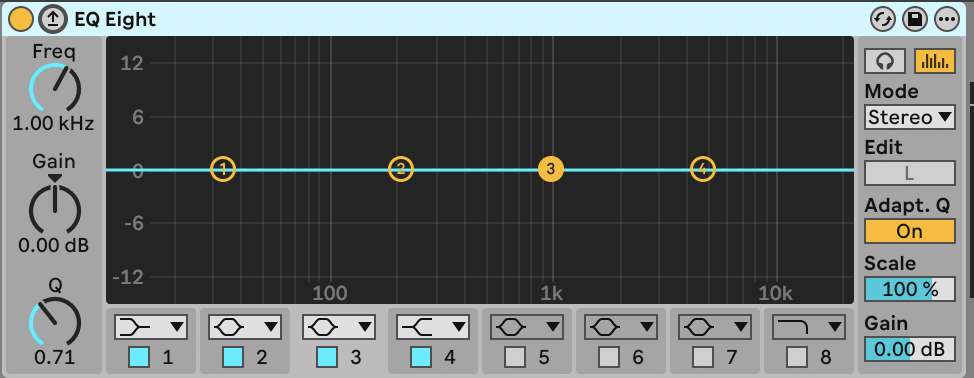
Ableton Live deviceEvery DAW has a parametric EQ; this one is Ableton Live's EQ Eight. The concepts (frequency, gain, Q) are the same wherever you find them.
Stage 1: Name the ControlsthenStage 2: Match Descriptions
Drag each control name from the bank below and drop it onto the matching coloured zone. You'll get immediate feedback: use hints if you're stuck.
Control Names: drag to zones above
Band Selectors
Frequency
Gain
Q (Bandwidth)
Need a hint?